
Runs offline About 15 per class No account to create

AI learning for children · Ages 9 to 11

AI fluency for children, preparing them for the future.

Children learn maths and science by building with AI: prompting step by step, predicting, testing and deciding. Six one-hour sessions, one build that grows, and a finished product to share.

Understanding AI Human judgement Safe to use Lasting habits Ready-to-run lessons

An example unit

Six sessions, one build that grows

Run it as a half-term block or as six weekly one-hour sessions, for around 15 children. Each child keeps the build they chose, and each session adds one prompting skill.

Book a 20-minute call
  • One prompting skill each session Ingredientsin the promptAI guessesto spot
  • S1
    Say what you wantFind what the AI guessed
    1 of 64 guesses
  • S2
    Add detailsMake the build your own
    2 of 63 guesses
  • S3
    Add numbersPredict the result, then test it
    3 of 62 guesses
  • S4
    Set a goal and limitsCheck the AI for mistakes
    4 of 61 guess
  • S5
    Test and explainChoose using the evidence
    5 of 6None
  • S6
    Finish, share and presentPresent a finished product to the class
    6 of 6None

The four builds

Children learn the same skills in different builds.

Each child picks a build that interests them, and the whole class learns the same skill at the same time. In every build, the AI gets something wrong on purpose, so children learn to catch it.

Space

Planet Builder

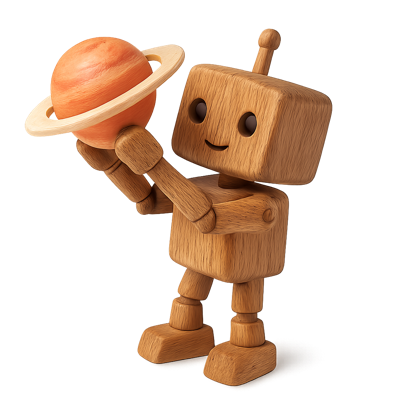
Gravity and forces, halving and doubling. Children finish with a Planet Passport for the planet they built.

The AI's mistake“As high as possible” sets gravity to zero, so the astronaut floats away.

Sport

Kick Lab

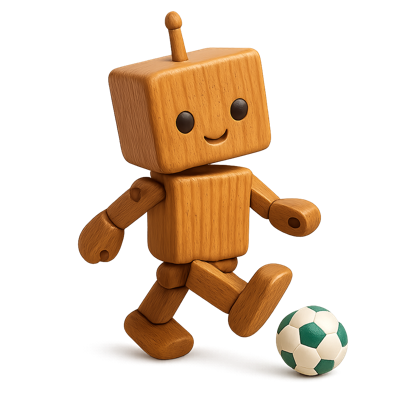
Forces and angles. Children finish with a Free-Kick Challenge that friends can try.

The AI's mistakeIt reads “high” as a 70° kick, and the ball lands short of the goal.

Music

Beat Lab

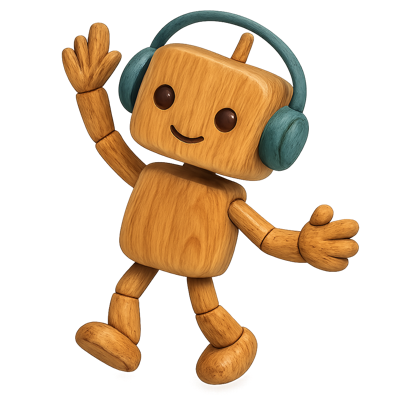
Sound and pitch, fractions and beats per minute. Children finish with a named track of their own.

The AI's mistake“Make the melody higher” comes out louder, not higher in pitch.

The planet

Power Town

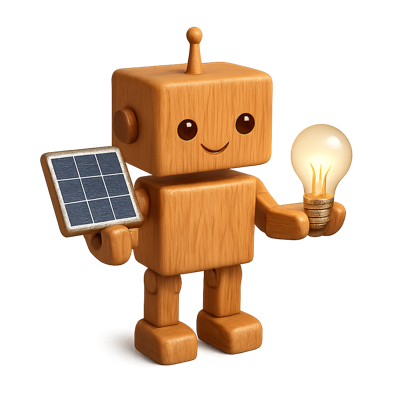
Energy, percentages and line graphs. Children finish with a Town Energy Plan that keeps the lights on.

The AI's mistake“Clean energy” means solar only, so the town loses power at night.

Safety

Safe to use, by design.

There is no open AI model, no chat and no account to create. The AI Lab runs offline on the device, with an instructor in the room for every lesson.

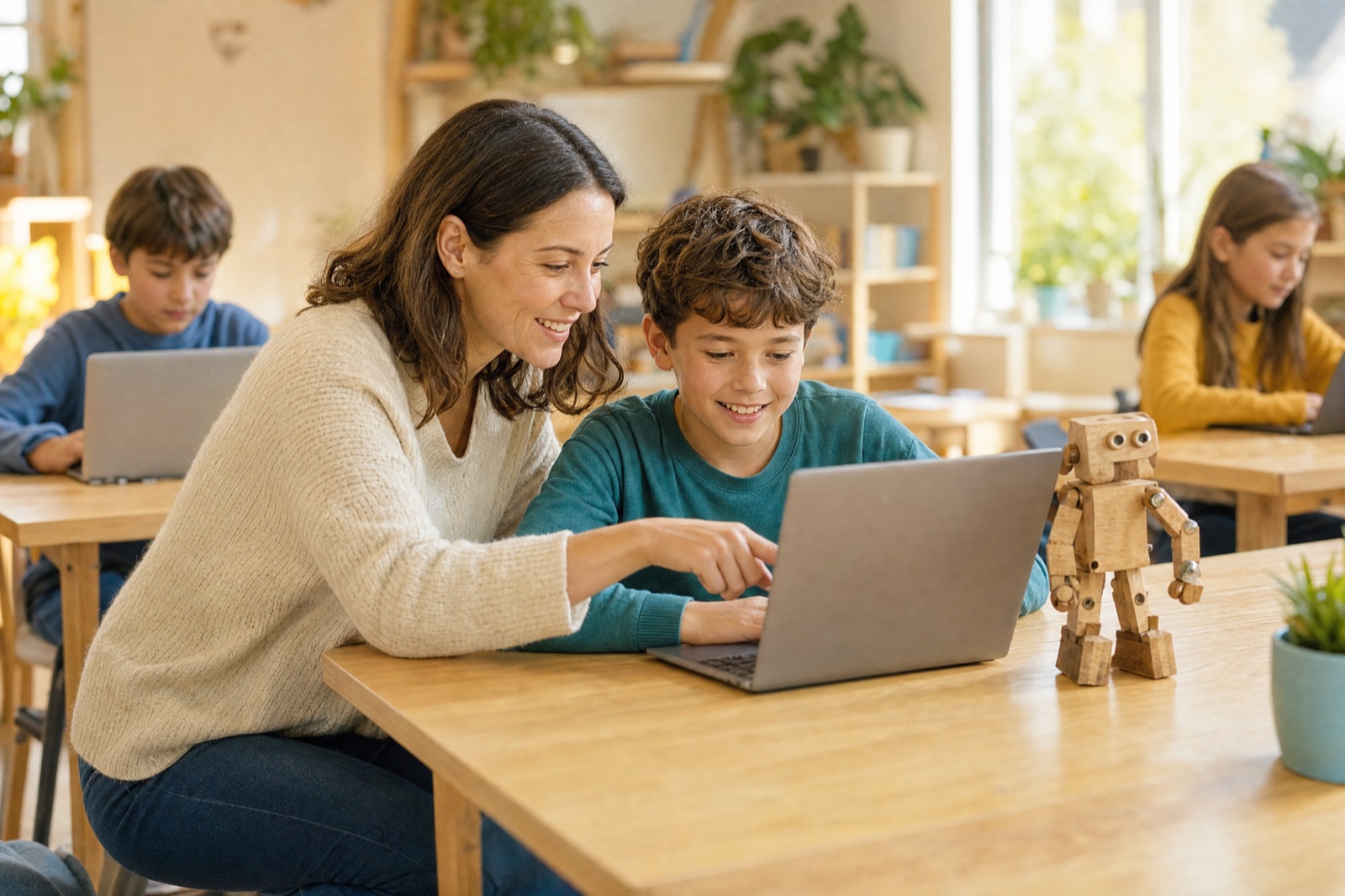
An instructor kneels beside a pupil at a laptop, both smiling at the screen.
No open AI modelEach build has its own example AI, so children only see answers designed for the lesson.
No chatChildren steer the build with prompts about the task, not open conversation.
No account to createChildren never sign up for anything, and what they make stays on the device.
Runs offlineNo internet is needed, so lessons run behind school firewalls.
Never bypasses school securityWe help schools set it up on their own devices and networks, with your IT team.
An instructor in the roomTrained instructors run every lesson, with prompts on screen at the right moment.

An example in progress

An example of our current work.

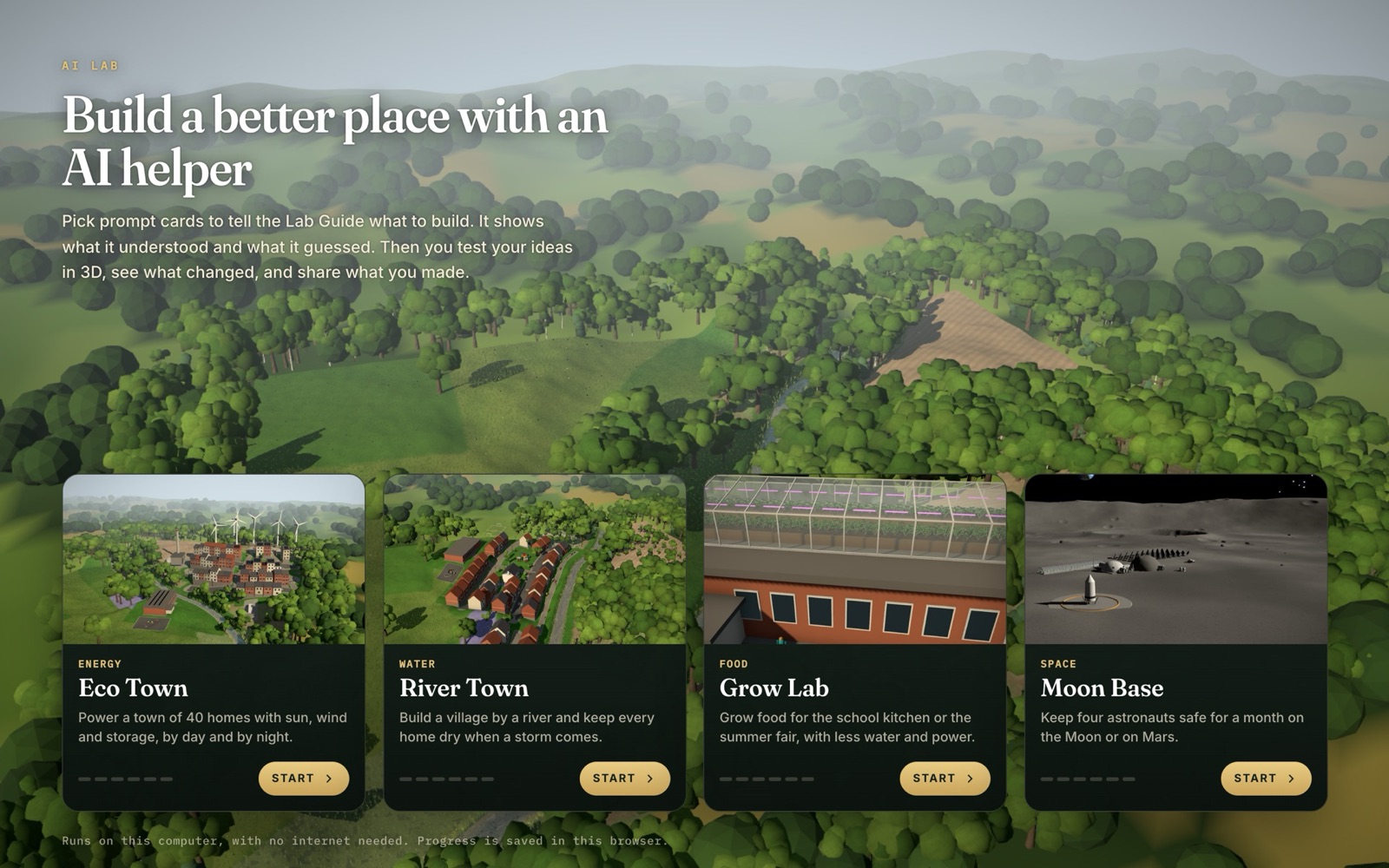
Children pick prompt cards to tell the Lab Guide what to build. It shows what it understood and what it guessed. Then they test their ideas in 3D, see what changed and share what they made.

4places to build: energy, water, food and space
6stages in each place, each with three prompt cards
1vague card at every stage, so the AI has to guess
0typing, open AI models or internet needed

In development, and built to be changed with you.

Choose a place: Eco Town, River Town, Grow Lab and Moon Base.

River Town · Stage 2

“Add the usual things”

AI guessed: a car park and wide roads

More tarmac means more rain runs straight into the river. The child spots the guess, then tries another card.

Session 6

Every child finishes something they made.

Each child finishes their product and presents it to the class. They explain what they asked for, what the AI guessed and how they made each decision, so the instructor hears what every child understood.

A girl at the front of the class holds up a tablet showing the planet she designed.
Planet ZorbPassport
Gravity half of Earth's
Size small, red
Moons AI guessed: 0
Astronaut jump 1.0 m

Planet Passport

A planet with its own gravity, size and moons, and a passport that explains every choice.

SpaceGravity

Free kickFair test

Which angle goes furthest at 90% power?

30°same as 60°45°furthest60°same as 30°
Target 18 mClear the wall

Free-Kick Challenge

A challenge friends can try, built from a fair test of three angles and the evidence behind the best one.

SportAngles
Town Energy PlanDay and night
Solar DAY
Wind ALWAYS
Battery NIGHT
Gas backup < 20%

Town Energy Plan

A plan that keeps a town's lights on all day and night, with the line graph to prove it.

The planetEnergy

The learning model

Every lesson has the same six steps.

Children repeat the middle four, each time with a new prompt. Tap any step to see who does what.

Children repeat steps 2 to 5 with a new version of the prompt

Educators around a table try an AI Lab activity together as learners, while a facilitator points at a laptop.Five-part training

Training

We train the people who will teach it.

The training covers how to teach each lesson as well as how to use the software. A non-specialist instructor must be able to run it.

1

Philosophy

Why

Instructors learn why we teach AI this way.

2

Experience

As learners

Instructors do the activities as learners.

3

Delivery

Practice

Instructors practise teaching each activity.

4

Troubleshooting

What to do when

A child gets stuck, the AI gives an unexpected answer or the network is slow.

5

Confidence

A full lesson

Instructors run a complete lesson from start to finish.

Every session plan gives instructors

  • Session at a glance
  • Timing
  • Objectives
  • Instructor prompts
  • Expected outcomes
  • Common problems
  • Extension challenges
  • Support challenges
  • Technical checklist
  • Classroom setup

Ticks are in the session plans today. The last two we design together.

Children never need an account.

Training happens on an instructor hub for adults only.

Pilot

We test it with real children.

We run a small, controlled pilot in real schools, and only expand once it works. These are the questions it answers. We agree the targets with you.

Children

Do children want to keep building and testing? Can they explain what the AI did?

Observed in classThe Explain stepShowcase

Instructors

Can instructors deliver the lessons confidently and within the time?

Before and afterObserved timing

Schools

Does it work on real school devices and networks, and meet school expectations?

Session logIT checklist

Your team

Can your team support the lessons over and over again?

Across pilot sitesSupport load

Working together

We want to build it with you.

Your approach to teaching will shape the product, and we will do the building. After launch we keep going round the same eight stages with you.

You bring

  • Pedagogy
  • Classroom expertise
  • Instructor experience
  • School relationships
  • Curriculum knowledge
  • Safeguarding knowledge
  • What children engage with

We bring

  • AI learning design
  • Interactive product design
  • Game design
  • Rapid prototyping
  • Platform development
  • Visualisation
  • Iteration

Stage 1

20-minute calls

Listen

We listen to the people who teach, before we decide anything.

Stage 2

One workshop

Co-design

We turn their ideas into activities.

Stage 3

A fixed period

Build

We build those activities into a platform.

Stage 4

Five parts

Train

We train the people who teach them.

Stage 5

A few classes

Pilot

We test the lessons with real children.

Stage 6

Every session

Learn

We learn from every class that uses it.

Stage 7

Every month

Improve

We fix what does not work and keep improving.

Stage 8

Evidence first

Scale

We scale it up, then start listening again.

We decide together at five points

  • After the interviews. Do we understand the educational direction?
  • After the workshop. Do we agree on the learning model and the priority changes?
  • After the build sprint. Is the product ready for a controlled pilot?
  • After the pilot. What must change before broader deployment?
  • After initial deployment. Is the operating model ready to scale?

Carry on, change the plan or stop.

At each of these gates, we agree the next step together.

Start with a call

The partnership

What you get.

More than software: the course, the platform, the training and the support to run it well.

A learning product we keep improving with you.Every class sends something back, and every month the most useful feedback becomes a release.
CurriculumA structured AI course for children aged 9 to 11.
PlatformOne place to run and manage the lessons.
Builds and activitiesMaths and science projects children make their own.
Instructor supportReady-to-run lessons and teaching prompts.
TrainingInstructors who teach the lessons with confidence.
Deployment supportHelp setting it up on school devices and networks.
Continuous improvementImprovements released every month.
ScaleA model that can grow across your wider network.

FAQ

Questions schools ask.

Do instructors need to know about AI?

No. A non-specialist instructor must be able to run it. Every session plan includes timing, instructor prompts and common problems, and training ends with each instructor running a complete lesson.

Will it work behind our firewall?

Yes. There is no open AI model and no chat. The example AI runs offline on the device, so nothing needs to reach an outside service.

What happens to children's data?

There is no account to create, and what children make stays on the device. A shared build travels inside its link, so no server is needed.

Is this a coding course?

No. It's maths and science, learned by building with AI. Children practise saying exactly what they mean, predicting, testing fairly and deciding from evidence.

How do we schedule it?

Run it as a half-term block or as six weekly one-hour sessions, for around 15 children. Each child keeps the build they chose for all six hours.

What equipment do we need?

Laptops with a current Chrome, Edge, Safari or Firefox. A simpler 3D mode helps older machines, and every number still shows without 3D.

Is the unit finished?

No. The structure is an example to shape together. We start by listening, then co-design and pilot it with you before anything scales.

How much does it cost?

We agree pricing and terms with each partner once we understand what you need. Book a call and we'll talk it through.

Where it runs

The AI Lab, in your classroom.

The same builds, the same safety setup and a trained instructor with every group.

Schools

Six one-hour lessons in the timetable, or a half-term block for a class.

After-school clubs

Weekly clubs where children keep the same build across six sessions.

Partner networks

Education partners who deliver across many schools and clubs.

Deployment. We help schools set it up on their own devices and networks, and we work with your IT team, never around it.

Book a 20-minute call

Next steps

Let's build the first version together.

It starts with 20-minute conversations with the people who know your organisation best.

  1. 1

    Agree who we speak to

    You choose from curriculum, delivery, schools and senior leaders.

  2. 2

    Book the 20-minute calls

    We share the questions in advance.

  3. 3

    Set the workshop date

    It lasts 90 to 120 minutes, in person, after the interviews.

Book a 20-minute call

Then, at Gate 1, we decide together whether we understand the educational direction.